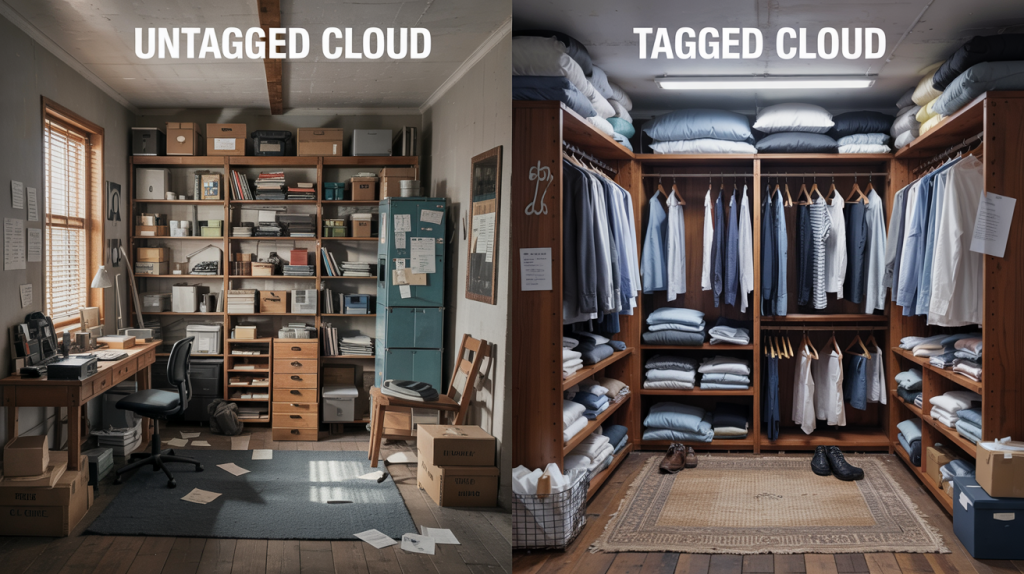
Let’s face it -cloud environments can quickly turn into the digital equivalent of that drawer everyone has at home. You know the one: full of miscellaneous items that seemed important enough to keep but not important enough to organise properly. One day you need to find something specific, and suddenly you’re knee-deep in a chaotic treasure hunt.
This is precisely where cloud resource tagging comes to the rescue. It’s the difference between a jumbled mess of resources scattered across regions and accounts, and a well-organised infrastructure where everything has its place and purpose. For organisations scaling their cloud footprint, proper tagging isn’t just nice to have—it’s absolutely essential.
What’s This Tagging Business All About, Then?
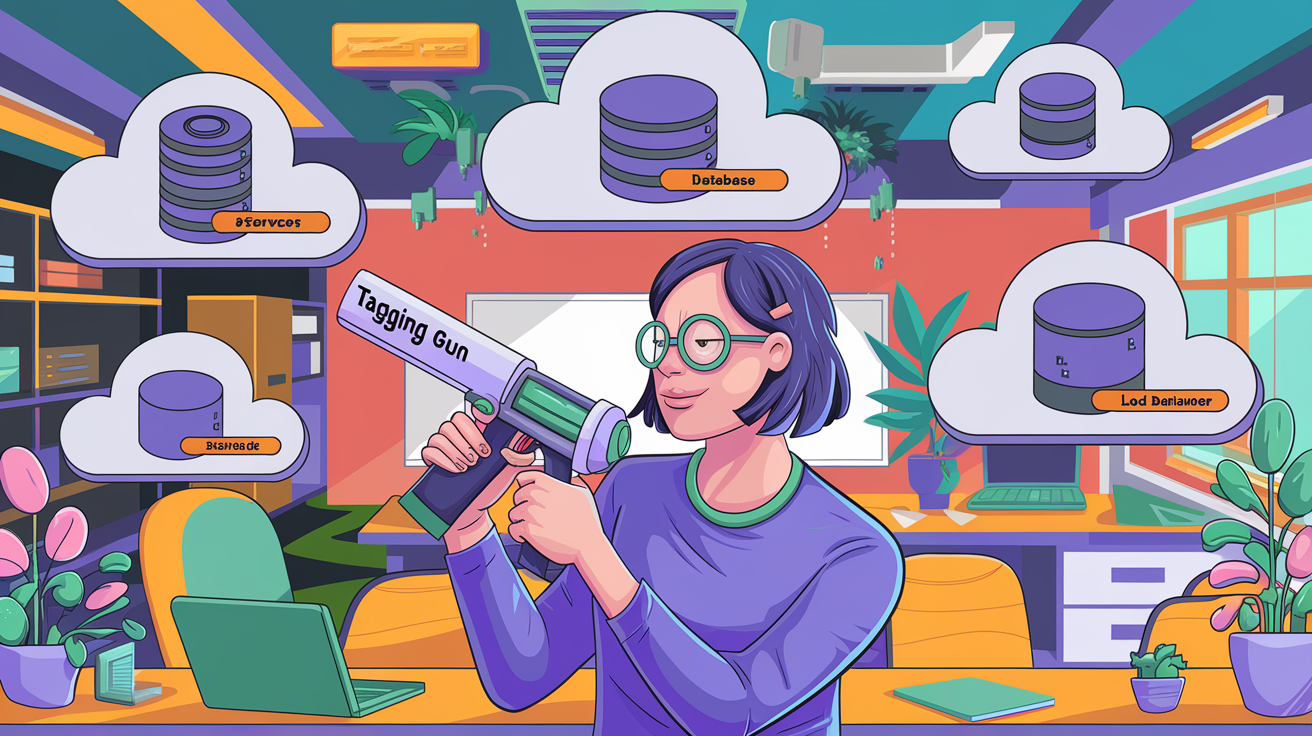
At its heart, resource tagging is simply attaching metadata labels to your cloud resources. Think of it as putting name tags on all your cloud kit. Each tag consists of a key-value pair that provides information about the resource.
For instance, a database might carry tags like:
Environment: Production
Department: Marketing
Application: CustomerAnalytics
Cost-Centre: MKT-2023
Owner: DatabaseTeam
These digital labels transform anonymous cloud resources into contextualised assets that tell you what they’re for, who’s responsible for them, and who’s footing the bill.
Why Bother With All This Tagging Malarkey?
You might wonder if tagging is worth the effort. The short answer? Absolutely. Here’s why:
Keeping the Finance Department Off Your Back
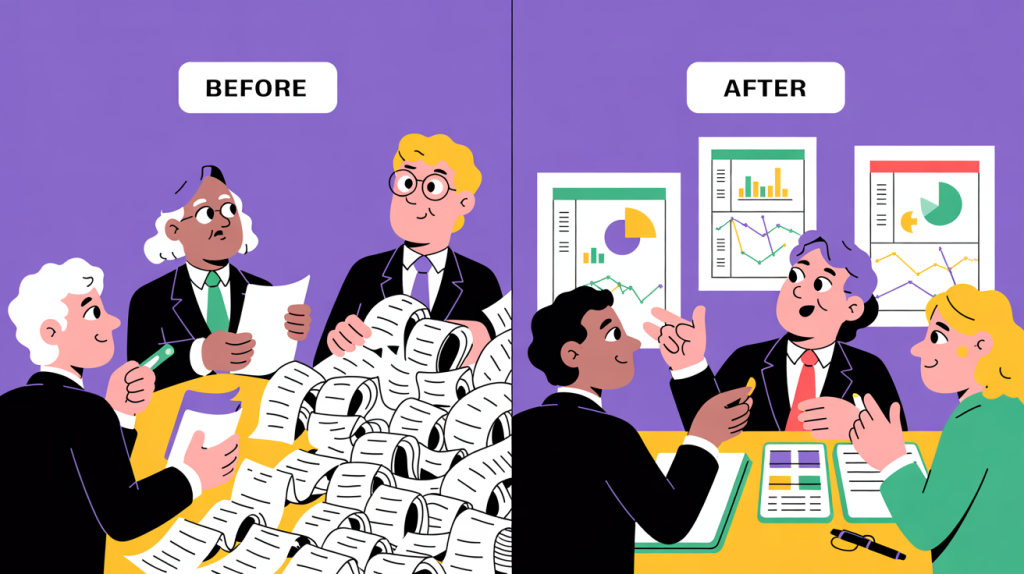
Without proper tagging, your monthly cloud bill looks like one massive, indecipherable expense. With tagging, you can show exactly which department spent what on which projects. Suddenly, that awkward meeting with Finance becomes much more pleasant when you can demonstrate precisely where the money’s going.
Finding Things Without Going Spare
We’ve all been there—trying to locate that one specific resource during an outage, when every minute counts. Was it in us-east-1 or ap-southeast-2? Which project did it belong to again? With proper tagging, finding resources becomes dramatically easier, potentially saving hours of frustrating searching.
Automation That Actually Works
Want to automatically shut down non-production environments outside office hours? Fancy applying security patches only to development servers first? Proper tagging makes these automation dreams possible. Your scripts can target precisely the resources you want based on their tags.
Keeping the Security Team Happy
Security and compliance teams love good tagging. It helps them identify which resources contain sensitive data, which fall under specific regulations, and who to chase up when something looks dodgy. A well-tagged environment is a more secure environment.
Building a Tagging Strategy That Won’t Fall Apart
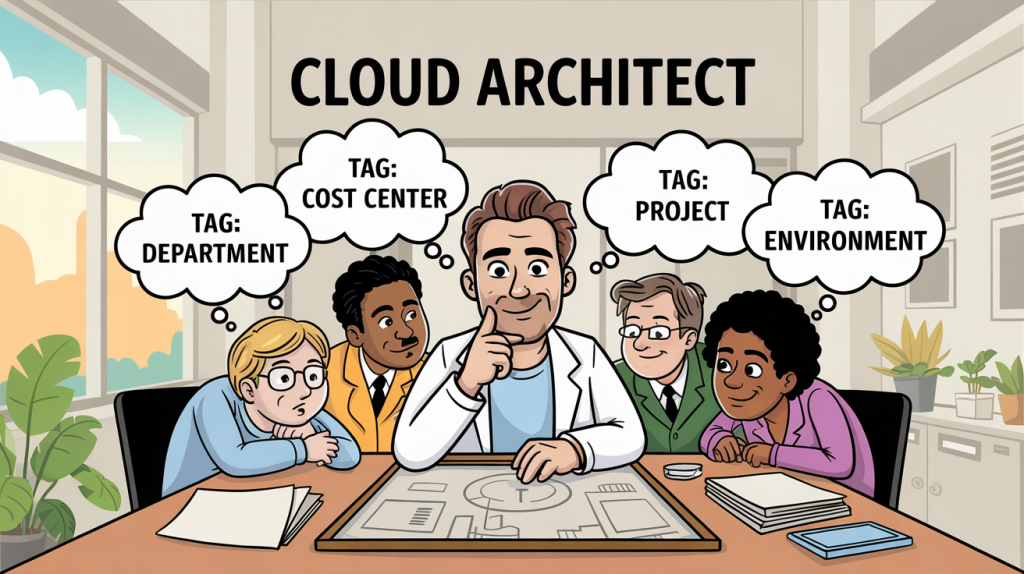
Before slapping tags onto everything willy-nilly, it’s worth taking a moment to develop a proper strategy. Here’s how to go about it without overcomplicating things:
Get Everyone in the Room (Virtually, If Needed)
Start by gathering representatives from every team with a stake in the cloud environment:
- The finance folk who need to allocate costs
- The security boffins worried about compliance
- The dev teams running the applications
- The operations squad keeping everything running
- Management types who need reports and dashboards
Each group will have different requirements, but you’ll need to reconcile them into a single, coherent approach.
Decide on Your Tagging Categories
Based on these conversations, establish what categories of information you need to track. Common ones include:
The Boring (But Essential) Organisational Stuff
- Which department or team owns it
- Which cost centre is paying for it
- Which project or product it’s supporting
The Technical Bits
- What environment it’s part of (Production, Test, etc.)
- Which application or service it belongs to
- What role it plays in the architecture
The Operational Details
- Who to wake up at 3 AM when it breaks
- When it can be taken down for maintenance
- How important it is to the business
The Compliance Necessities
- What type of data lives there
- Which regulations apply to it
- What security controls it requires
Sort Out Your Naming Rules
Consistency is crucial, so establish some ground rules:
- Will you use camelCase, PascalCase, or kebab-case?
- How will you handle spaces and special characters?
- What abbreviations or acronyms are acceptable?
This might seem pedantic, but trust me—consistency is what separates a usable tagging system from an unhelpful mess.
Write It All Down
Create a tag dictionary that defines each tag key, what values are allowed, and when it should be used. This becomes your organisation’s source of truth for tagging. Keep it somewhere accessible and make sure everyone knows about it.
Practical Tips for Tagging Success
Here are some battle-tested tips to make your tagging more effective:
Consistency Isn’t Just a Virtue—It’s a Necessity
The quickest way to ruin a tagging strategy is to let inconsistency creep in:
- If it’s “Environment” in one account, it can’t be “Env” in another
- If production is tagged as “Production” for some resources, it can’t be “PROD” for others
- If you use hyphens in some tag keys, don’t switch to underscores elsewhere
Let the Machines Do the Boring Bits
Humans are rubbish at consistent, repetitive tasks—that’s what computers excel at:
- Build tagging into your Infrastructure as Code templates
- Set up automated checks that catch missing or incorrect tags
- Use tools that can bulk-update tags across resources
- Implement policies that prevent untagged resources from being created
Less Is Often More
Don’t go overboard with too many tags:
- Start with a small set of genuinely useful tags
- Only add new tags when there’s a clear benefit
- If a tag isn’t driving decisions or actions, question its value
- Remember that maintaining tags takes effort—make sure it’s worthwhile
Keep Things Ship-Shape
Like any system, tagging requires maintenance:
- Schedule regular reviews of your tagging implementation
- Clean up outdated or redundant tags
- Update tags when resources change purpose or ownership
- Check for resources that have slipped through the cracks
Ways to Make a Mess of Your Tagging (Best Avoided)
Even with the best intentions, tagging can go wrong. Here are some common pitfalls to sidestep:
The Consistency Conundrum
Nothing undermines a tagging strategy faster than inconsistency:
- Mixing “environment” and “Environment” and “env” across resources
- Having “Production”, “Prod”, and “PROD” all meaning the same thing
- Using different separators or formats in different accounts
Tag Explosion
The opposite problem—creating too many tags:
- Creating unique tags for one-off use cases
- Duplicating information across multiple tags
- Adding tags without clear purpose or ownership
Set-and-Forget Syndrome
Tags need maintenance, just like any other system:
- Failing to update tags when applications change
- Not removing tags when they’re no longer relevant
- Allowing untagged resources to accumulate
Making It Too Complicated
Overly complex tagging schemes are rarely successful:
- Requiring too many mandatory tags
- Creating byzantine naming conventions
- Setting up different tagging schemes for different teams
The Provider Particulars: AWS, Azure, and GCP

Each cloud provider has its own tagging implementation with quirks and limitations worth knowing:
Amazon Web Services (AWS)
AWS treats tags as key-value pairs with some specific constraints:
- Keys and values are case-sensitive (so “Environment” and “environment” are different)
- You get 50 tags per resource
- Keys can be up to 128 characters
- Values can stretch to 256 characters
- Some characters are forbidden
The AWS Tag Editor lets you manage tags across services, and AWS Organizations offers Tag Policies to enforce standards.
Microsoft Azure
Azure’s approach has its own flavour:
- Tag keys are case-insensitive (so “Environment” and “environment” are the same)
- 50 tags per resource is the limit
- Keys can be up to 512 characters
- Values max out at 256 characters
- Tags can apply at multiple levels in the resource hierarchy
Azure Policy helps enforce tagging rules, and Management Groups allow for inheritance of tags.
Google Cloud Platform (GCP)
GCP calls them “labels” instead of tags, but the concept is the same:
- Both keys and values have stricter formatting requirements
- 64 labels per resource is the maximum
- Both keys and values are limited to 64 characters
- Case is significant in keys (but only lowercase is allowed)
GCP’s labelling integrates with Cloud Asset Inventory for management.
Taking Tagging to the Next Level

Once you’ve mastered the basics, consider these advanced approaches:
Tagging Police (But Friendly Ones)
Set up systems that keep your tagging squeaky clean:
- Implement guardrails that prevent deploying untagged resources
- Run regular audits to catch tagging gaps
- Set up automated fixes for common tagging issues
Smart Tags That Update Themselves
Some tags can be dynamically maintained:
- Last-updated timestamps that refresh automatically
- Usage metrics that reflect current patterns
- Compliance status indicators
- Lifecycle stage markers
Using Tags for Access Control
Integrate your tagging with security systems:
- Grant permissions based on resource tags
- Implement attribute-based access control
- Control who can modify which tags
Managing Tags Across Multiple Clouds
If you’re brave enough to venture into multi-cloud territory:
- Establish consistent naming across providers
- Consider third-party tools for centralised management
- Create normalisation layers for unified reporting
How Do You Know If Your Tagging Is Any Good?
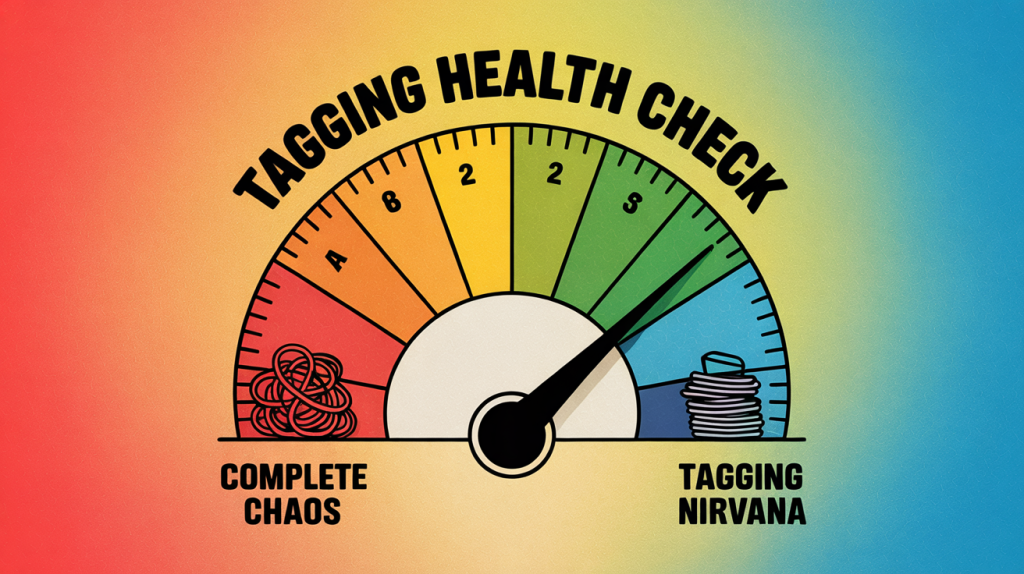
It’s worth measuring how well your tagging strategy is working:
- What percentage of resources have all required tags? (90%+ is excellent)
- How much of your cloud spend can be allocated to specific teams/projects?
- How many automated processes rely on your tagging?
- How quickly can you identify the owner of a random resource?
- How confident are you in your compliance reporting?
Wrapping It All Up
Proper tagging transforms your cloud environment from a chaotic jumble into a well-organised infrastructure where everything has its place and purpose. Yes, it requires initial effort and ongoing discipline, but the payoff is enormous—greater control, better cost management, enhanced security, and the ability to automate effectively.
Start with a clear strategy, implement consistently, maintain diligently, and continuously refine. Your future self will thank you when that 3 AM production issue hits and you can instantly find exactly what you need.
Remember: in the cloud, if it isn’t tagged, it might as well not exist.